- This event has passed.
Bamboo Nation Bulletin – July
Your inside scoop on our enterprise-class software and consulting services designed to extend the native capabilities of SharePoint Online and Microsoft 365.

July 2026
In This Issue

July Product Updates
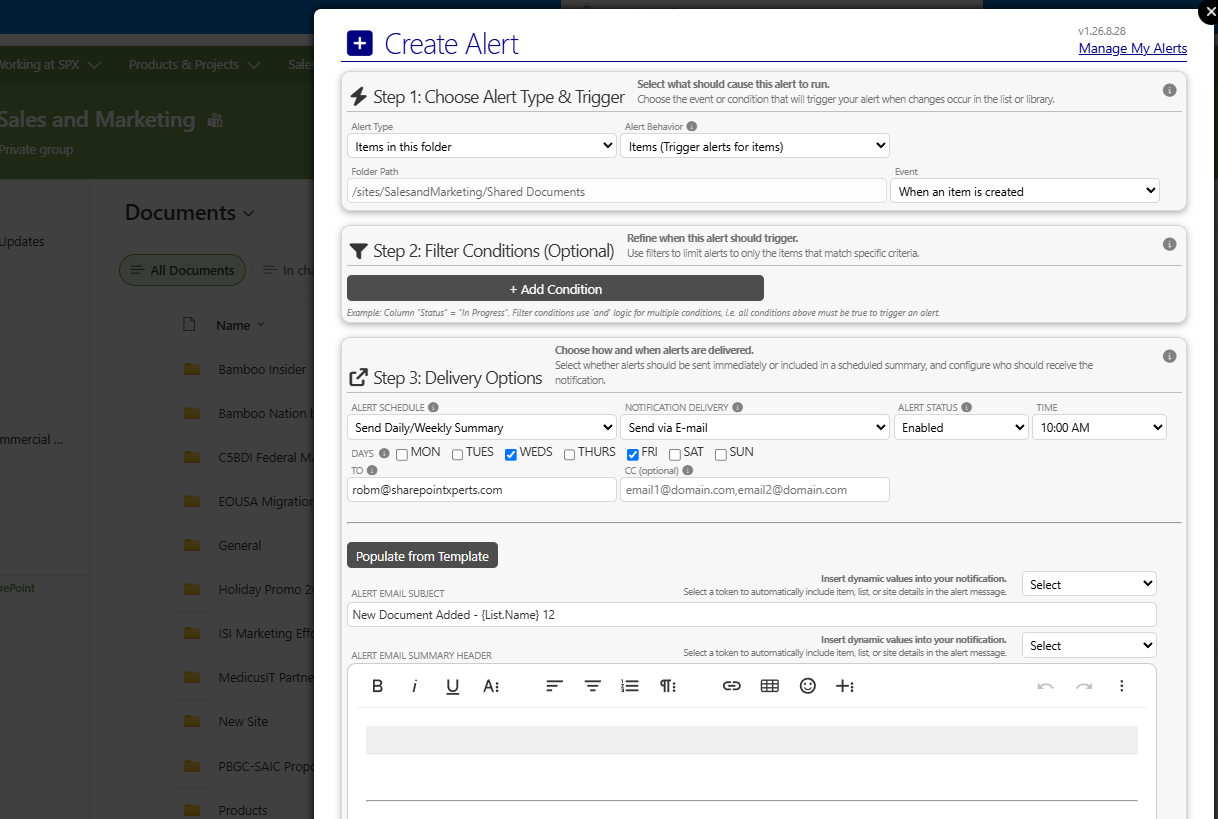
AlertMe / AlertAdmin
Bamboo tenant Manager
- Added support for Alert Admin UI with limited user scope for non-admins
- Support for new PeoplePicker inputs
- Support for faster loading of a user's alert list
- Support for auto-generating placeholder templates based upon alert info, Sharepoint tenant logo and color scheme.
- Support for loading and customizing email templates for any Alert Type.
- Support for loading and customizing email templates for any Event Type
- Product Overview
FEATURED ARTICLE:
SharePoint Rules vs. Power Automate vs. Bamboo Alert Plus: Which Is the Best Replacement for SharePoint Alerts?
By Rob Manfredi, President, Bamboo Solutions

With Microsoft retiring SharePoint Alerts, organizations are looking for the best way to notify users when content changes. The three most common options are SharePoint Rules, Power Automate, and Bamboo Alert Plus.
While all three can send notifications, they are designed for very different scenarios.
SharePoint Rules
SharePoint Rules provide a simple way to send email notifications when list items or documents change. They are built directly into modern SharePoint and require little configuration.
Replacing SharePoint Alerts with Power Automate? Don’t Overlook Permissions
By Rob Manfredi, President, Bamboo Solutions
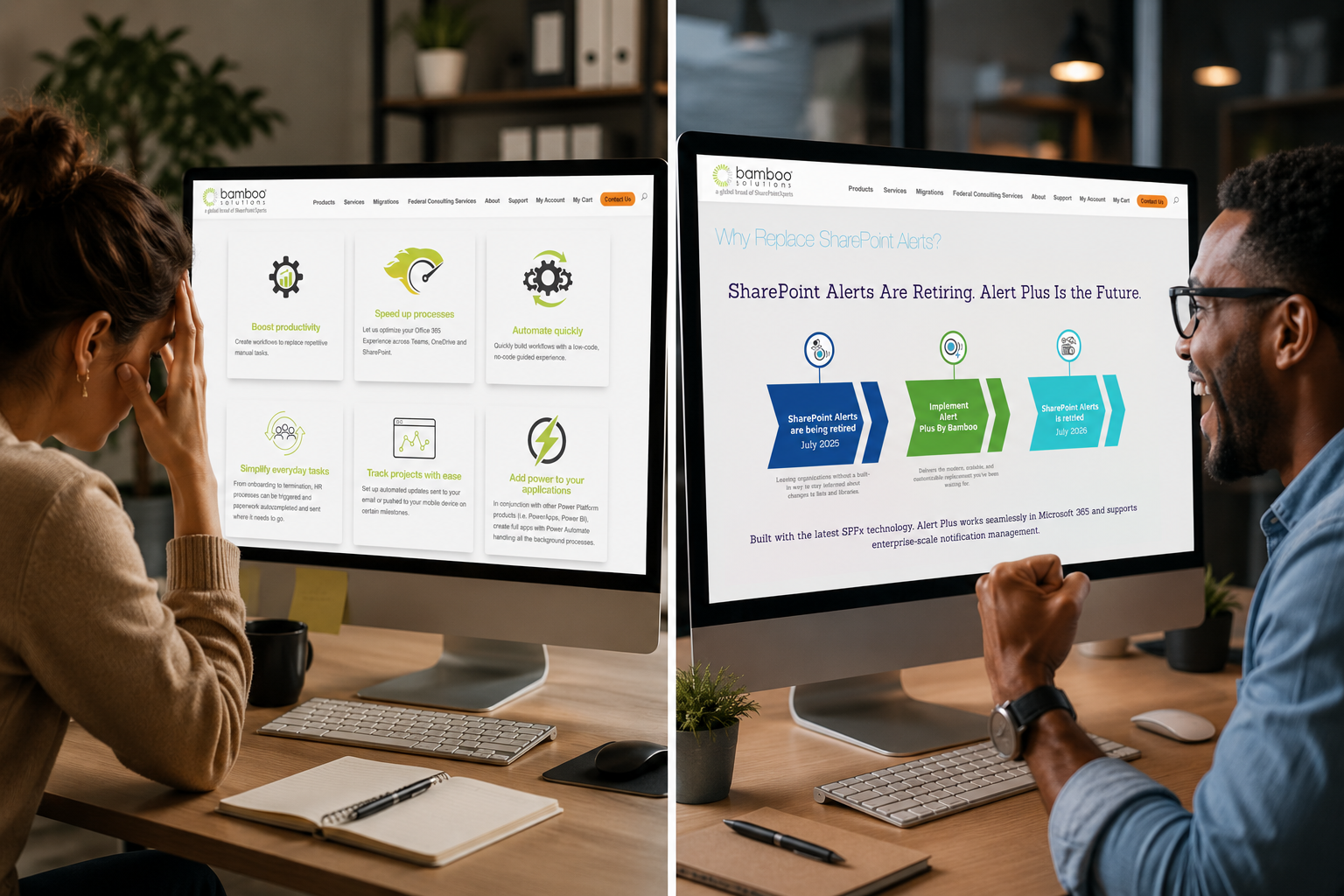
As organizations prepare for the retirement of SharePoint Alerts, many are looking at Power Automate as a replacement. While Power Automate is a powerful platform, one challenge often surprises IT teams: permissions.
Creating a flow that monitors a SharePoint list or library may require users to have permissions beyond what they typically need to simply read or edit content. In many organizations, users cannot create or manage flows without additional Power Automate licensing, elevated permissions, or administrative approval.
This creates several challenges:
FEATURED VIDEO:
Simplify SharePoint Search with Simple & Advanced Search
By Rob Manfredi, President, Bamboo Solutions

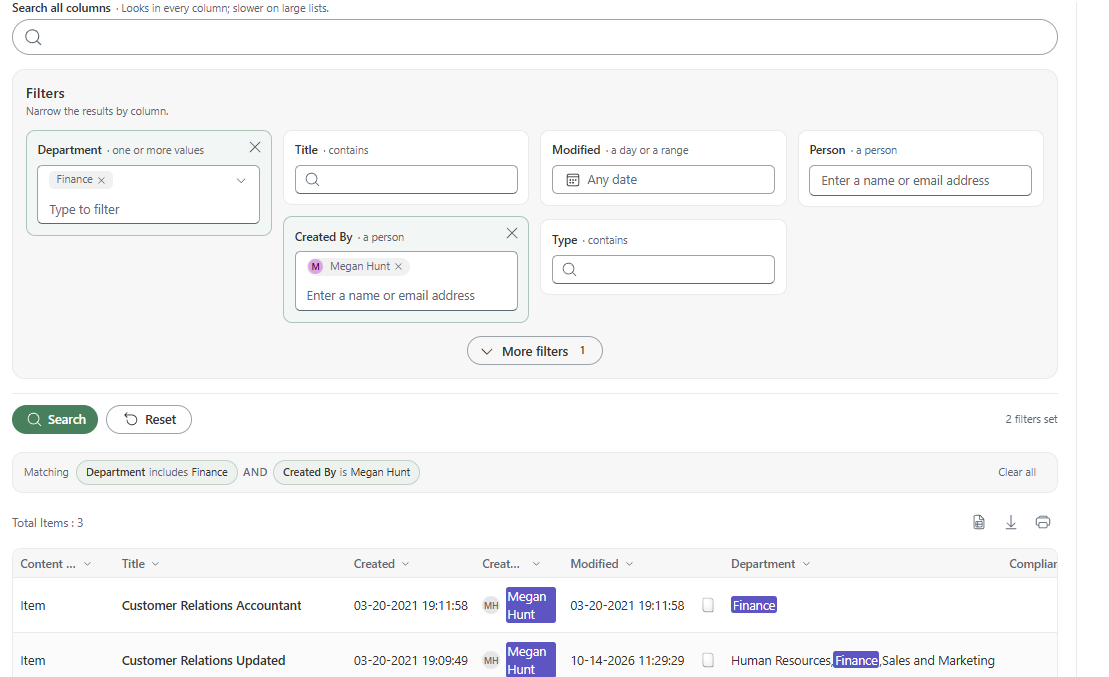
Designed to help users quickly find the information they need, these modern SPFx web parts deliver powerful, directed search experiences across SharePoint lists and libraries - from anywhere to anywhere across your SharePoint environment.
In this webinar, you’ll see how Simple and Advanced Search can:
- Create intuitive search experiences for documents, lists, and libraries
- Automatically build search forms based on the data you want users to search against
- Dynamically configure fields based on SharePoint column types including Dates, Numbers, and People fields
- Enable users to quickly narrow results and locate critical information faster
- Provide a modern, responsive search experience fully integrated into SharePoint Online
Whether you need a lightweight search experience or a more advanced filtering solution, these tools make SharePoint data easier to discover and use.
We hope you can join us to see how Simple Search and Advanced Search can improve productivity and help users get to the right information - fast.
.
SHAREPOINT EVENTS:
- August 5, Online – Goodbye SharePoint Alerts: Meet Alert Plus
- August 10, Online – Goodbye SharePoint Alerts: Meet Alert Plus
- August 19, Online – Goodbye SharePoint Alerts: Meet Alert Plus
- August 26, Online – Goodbye SharePoint Alerts: Meet Alert Plus
Looking for additional resources? We have you covered!

At Bamboo Solutions, we believe in not only providing the best SharePoint and Office 365 products, but we have the documentation to back it all up. On our resource page, we have links to e-books, white papers, training, case studies, and more. Click the button below to go to our resources page.
Bamboo Webinars On Demand
By Kevin Townsend, Bamboo Solutions

Every month we showcase our products, give you great tips and show you how these products can be adapted and used for you and your team.
Check more webinars on our YouTube Channel by clicking the button below.