Bamboo Solutions
  • My Account
  • My Cart
  • Request Support
  • SharePoint Online Product Documentation
  • SharePoint On Premises Product Documentation
Select Page
Why List Rollup’s Data Capabilities Are Off The Charts (And On Them)

Why List Rollup’s Data Capabilities Are Off The Charts (And On Them)

by Lindsay Bergstrom | Jun 8, 2016 | SharePoint Experts, SharePoint for Administrators, SharePoint for Project Management, SharePointXperts, The Bamboo Team Blog, The Bottom-Line PM: A Realists's Guide to SharePoint and Microsoft Project

The new version of Chart Plus web part boasts up-to-date, interactive charts and reports for use across your entire organization.

Have You Made Your Date With List Rollup Yet?

Have You Made Your Date With List Rollup Yet?

by Lindsay Bergstrom | Jun 7, 2016 | SharePoint Experts, SharePoint for Administrators, SharePoint for Project Management, SharePoint Solutions, SharePointXperts, The Bamboo Team Blog, The Bottom-Line PM: A Realists's Guide to SharePoint and Microsoft Project

List Rollup allows you to connect easily to a number of Bamboo Web Parts, letting you use aggregated list data in calendars, charts, and more.

How to Customize the Data of X-Axis and Y-Axis in Chart Plus

How to Customize the Data of X-Axis and Y-Axis in Chart Plus

by hangtrinh | Jun 3, 2016 | SharePoint Experts, SharePoint for Administrators, SharePoint for Project Management, SharePoint Solutions, SharePointXperts, The Bamboo Team Blog

Presenting simple X-axis, Y-axis options on a graph can be difficult. Learn how to customize the data label on the chart to display clearly?

How to Create a SharePoint Add-In App and Publish in Windows Azure

How to Create a SharePoint Add-In App and Publish in Windows Azure

by Trinh Nguyen | May 25, 2016 | The Bamboo Team Blog

Bamboo teaches you how to create a SharePoint add-in app for Office 365 and publish your app in Microsoft Azure Web via Visual Studio.

How to Upgrade the WSP File to Solution Management in SharePoint 2016 using PowerShell

How to Upgrade the WSP File to Solution Management in SharePoint 2016 using PowerShell

by Chau T. Kim Huynh | May 25, 2016 | SharePoint Experts, SharePoint for Administrators, SharePoint Solutions, SharePointXperts, The Bamboo Team Blog

Bamboo Solutions shows you how to upgrade the latest WSP file to an existing file on Farm Solution in a few simple clicks.
« Older Entries
Next Entries »

Blog Categories

  • AI Agents (3)
  • Alert Plus (8)
  • Cyber Security (7)
  • data migration services (11)
  • Emoji (2)
  • Employee Spotlight (33)
  • Events (158)
  • In the News (64)
  • Microsoft (61)
  • Microsoft AppSource Product Update (3)
  • Microsoft SharePoint Bloggers (27)
  • Midshare (1)
  • Office 365 (60)
  • Pentalogic (1)
  • PowerApps (12)
  • Press Release (73)
  • Product Updates (141)
  • Products (334)
  • SharePoint 2010 (173)
  • SharePoint 2013 (257)
  • SharePoint Blank (47)
  • SharePoint Experts (207)
  • SharePoint for Administrators (32)
  • SharePoint for Project Management (20)
  • SharePoint Solutions (255)
  • SharePoint Term Store (3)
  • SharePointXperts (195)
  • SPFx (3)
  • The Bamboo Team Blog (1,393)
  • The Bottom-Line PM: A Realists's Guide to SharePoint and Microsoft Project (25)
  • The Business of SharePoint (25)
  • Year-End Review (4)
Bamboo Solutions and its related brands is the copyright of SharePointXperts, LLC. ©2002–2026 | Privacy Policy | Terms of Use | Sitemap
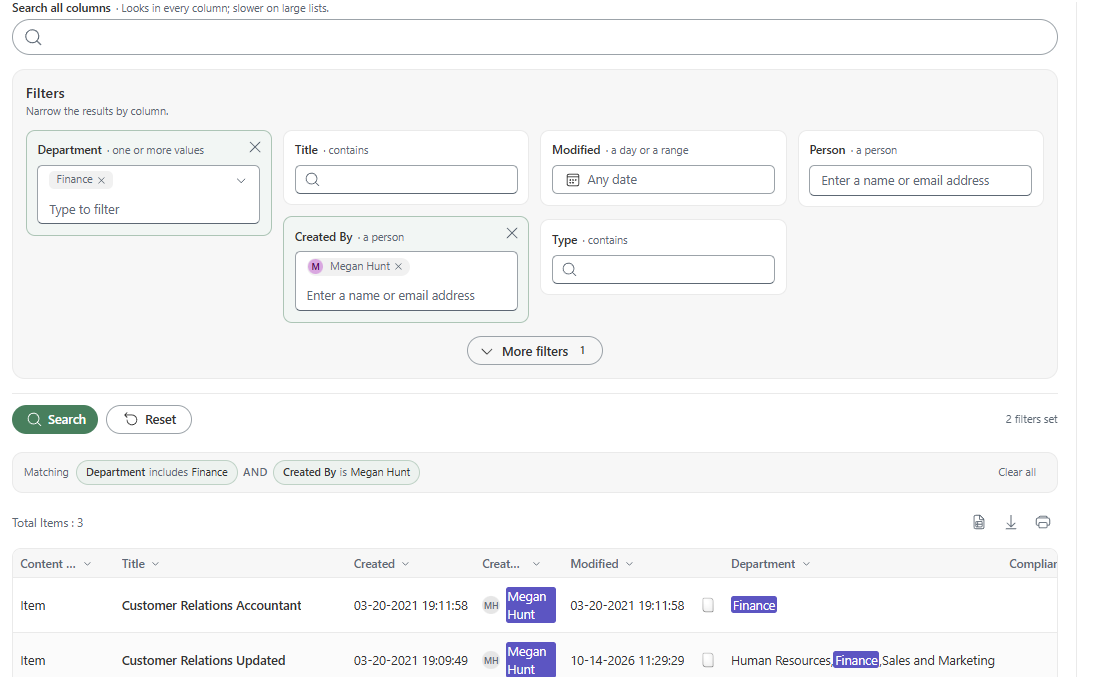
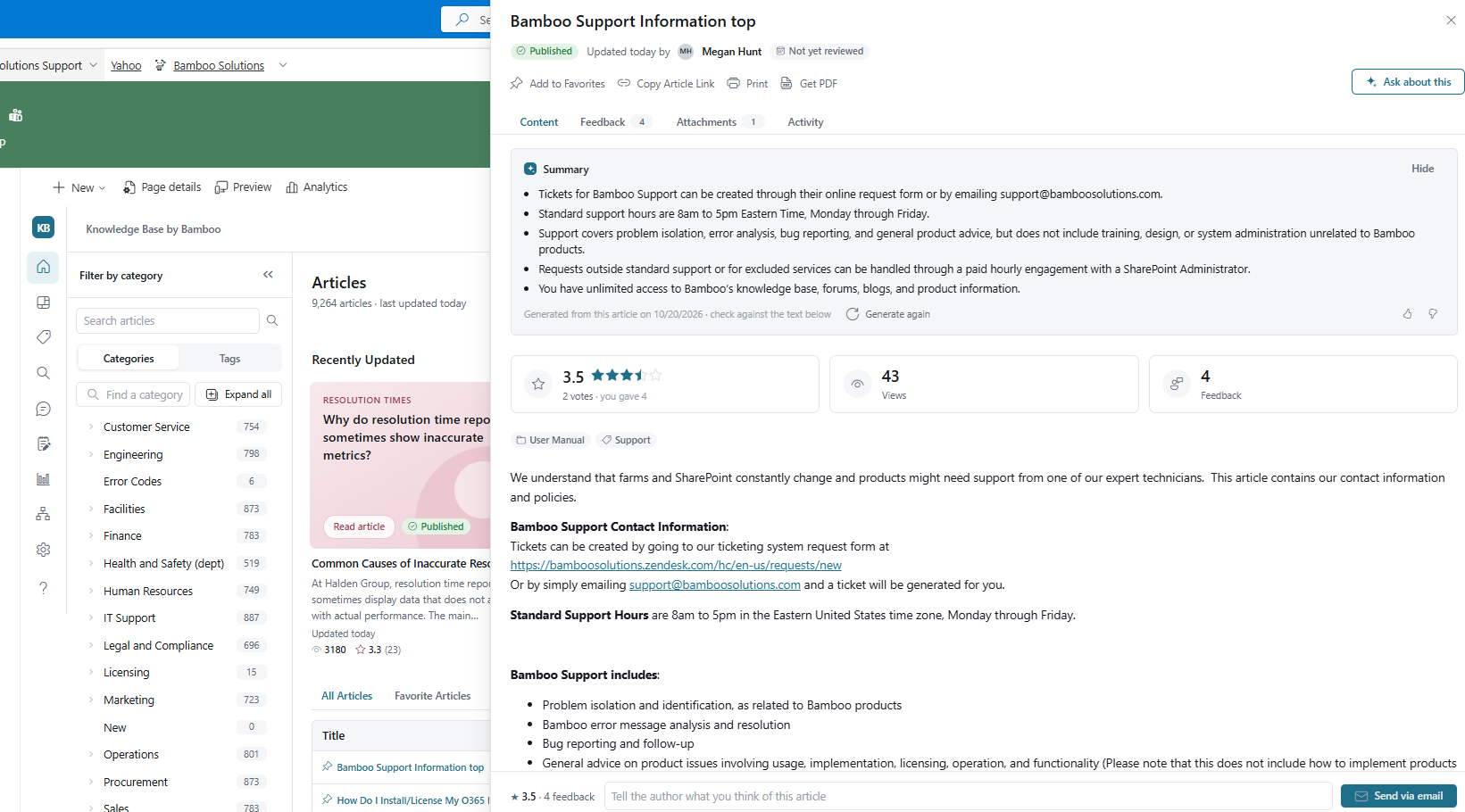
Bamboo Solutions Knowledge Base product overview

Explore Knowledge Base ↗

Bamboo Solutions Alert Plus product overviewExplore Alert Plus ↗
Bamboo Solutions Simple Search product overviewExplore Simple Search ↗
Bamboo Solutions Tabify product overviewExplore Tabify ↗
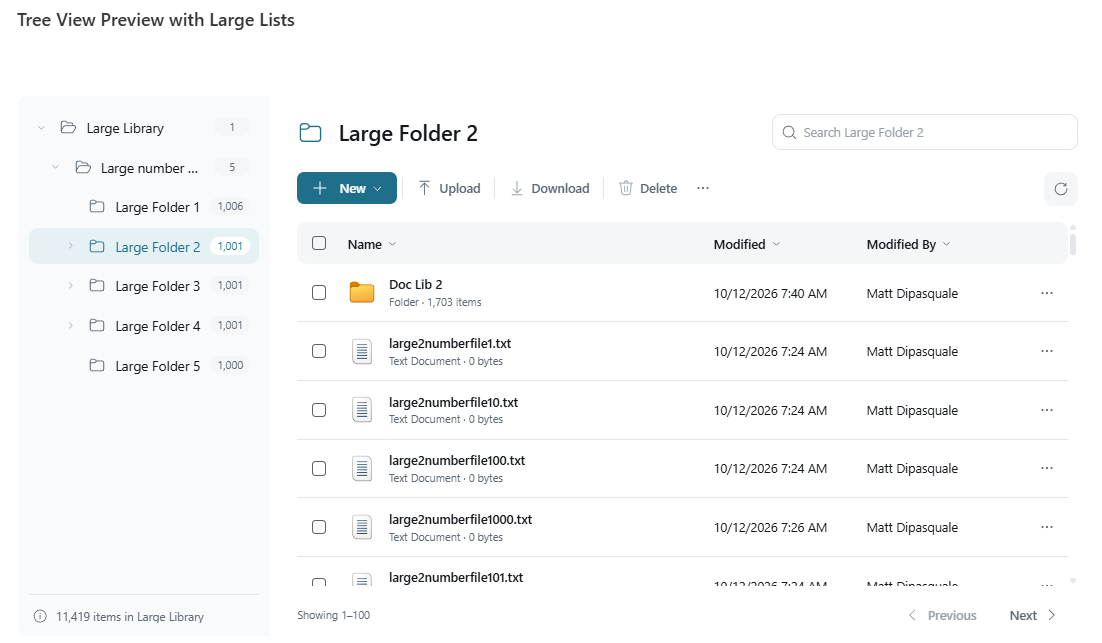
Bamboo Solutions Tree View product overviewExplore Tree View ↗
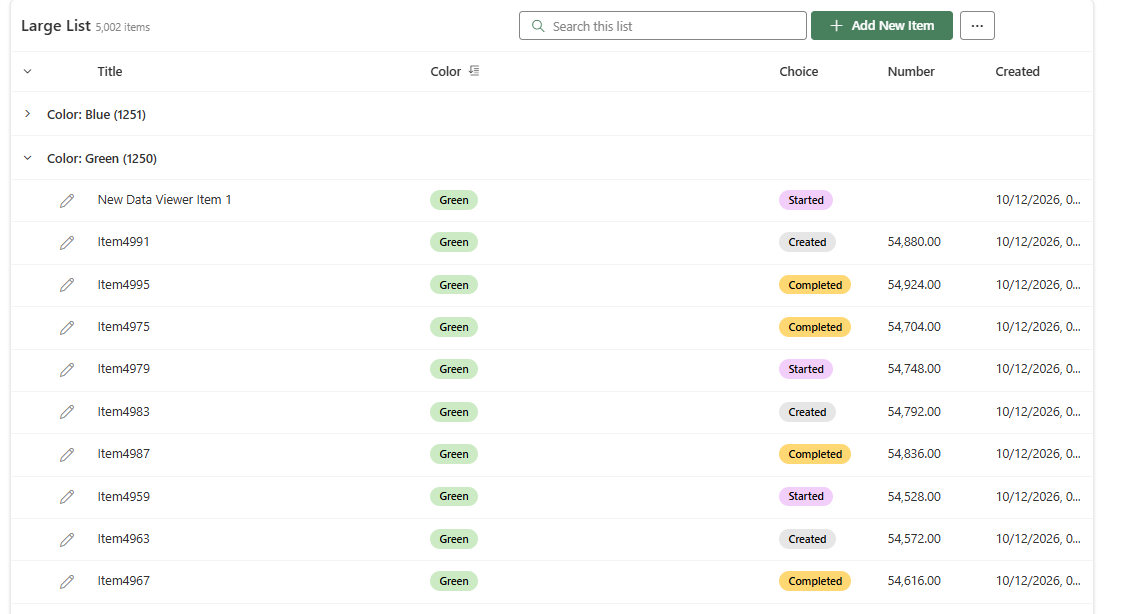
Bamboo Solutions Data Viewer product overviewExplore Data Viewer ↗