Bamboo Solutions
  • My Account
  • My Cart
  • Request Support
  • SharePoint Online Product Documentation
  • SharePoint On Premises Product Documentation
Select Page
Lack of Recent Content on Our SharePoint 2013 Blog? That’s About to Change, in a Big Way

Lack of Recent Content on Our SharePoint 2013 Blog? That’s About to Change, in a Big Way

by John Anderson | May 2, 2013 | Products, SharePoint 2013

Lack of recent content on our SharePoint 2013 blog? That’s about to change, in a Big Way read more about what is to come in this article!

How to Import Data from SQL Server to SharePoint 2013 Using List Bulk Import 3.0 for SharePoint 2013

by Chau T. Kim Huynh | Apr 3, 2013 | SharePoint 2013

List Bulk Import not only lets users migrate documents, pictures, and list data into SharePoint from a broad range of sources; it also allows users to store import job configuration information to a template file for common imports and scheduled imports. In this...

How to Import an Excel File into a Tasks List using List Bulk Import 3.0 for SharePoint 2013

by Chau T. Kim Huynh | Apr 3, 2013 | SharePoint 2013

With its user-friendly interface, List Bulk Import allows users to easily migrate documents, pictures, and list data into SharePoint from a broad range of sources. These sources include: Excel files Windows (32-bit) – Excel 2003, Excel 2007 and Excel 2010...

How to Create Scheduled Imports from List Bulk Import 3.0 for SharePoint 2013

by Chau T. Kim Huynh | Apr 2, 2013 | SharePoint 2013

List Bulk Import not only lets users migrate documents, pictures, and list data into SharePoint from a broad range of sources; it also allows users to create scheduled, routine imports. This is extremely helpful as oftentimes, the source of your import is not...

Easily Migrate Documents, Pictures, & List Data into SharePoint from Multiple Sources with List Bulk Import 3.0 for SharePoint 2013

by Chau T. Kim Huynh | Apr 2, 2013 | SharePoint 2013

Now available for SharePoint 2013, List Bulk Import 3.0 allows users to quickly import and share large volumes of documents and data in SharePoint from legacy databases, spreadsheets, network file directories or SharePoint Lists. By allowing users to access their...
How to Use the Picture Library Slideshow Web Part in SharePoint 2013

How to Use the Picture Library Slideshow Web Part in SharePoint 2013

by Bamboo Marketing | Mar 29, 2013 | SharePoint 2013

In this article, we’ll walk through the steps needed to activate the Web Part and how to use the Picture Library Slideshow.

« Older Entries
Next Entries »

Blog Categories

  • AI Agents (3)
  • Alert Plus (8)
  • Cyber Security (7)
  • data migration services (11)
  • Emoji (2)
  • Employee Spotlight (33)
  • Events (158)
  • In the News (64)
  • Microsoft (61)
  • Microsoft AppSource Product Update (3)
  • Microsoft SharePoint Bloggers (27)
  • Midshare (1)
  • Office 365 (60)
  • Pentalogic (1)
  • PowerApps (12)
  • Press Release (73)
  • Product Updates (141)
  • Products (334)
  • SharePoint 2010 (173)
  • SharePoint 2013 (257)
  • SharePoint Blank (47)
  • SharePoint Experts (207)
  • SharePoint for Administrators (32)
  • SharePoint for Project Management (20)
  • SharePoint Solutions (255)
  • SharePoint Term Store (3)
  • SharePointXperts (195)
  • SPFx (3)
  • The Bamboo Team Blog (1,393)
  • The Bottom-Line PM: A Realists's Guide to SharePoint and Microsoft Project (25)
  • The Business of SharePoint (25)
  • Year-End Review (4)
Bamboo Solutions and its related brands is the copyright of SharePointXperts, LLC. ©2002–2026 | Privacy Policy | Terms of Use | Sitemap
Bamboo Solutions Knowledge Base product overview

Explore Knowledge Base ↗

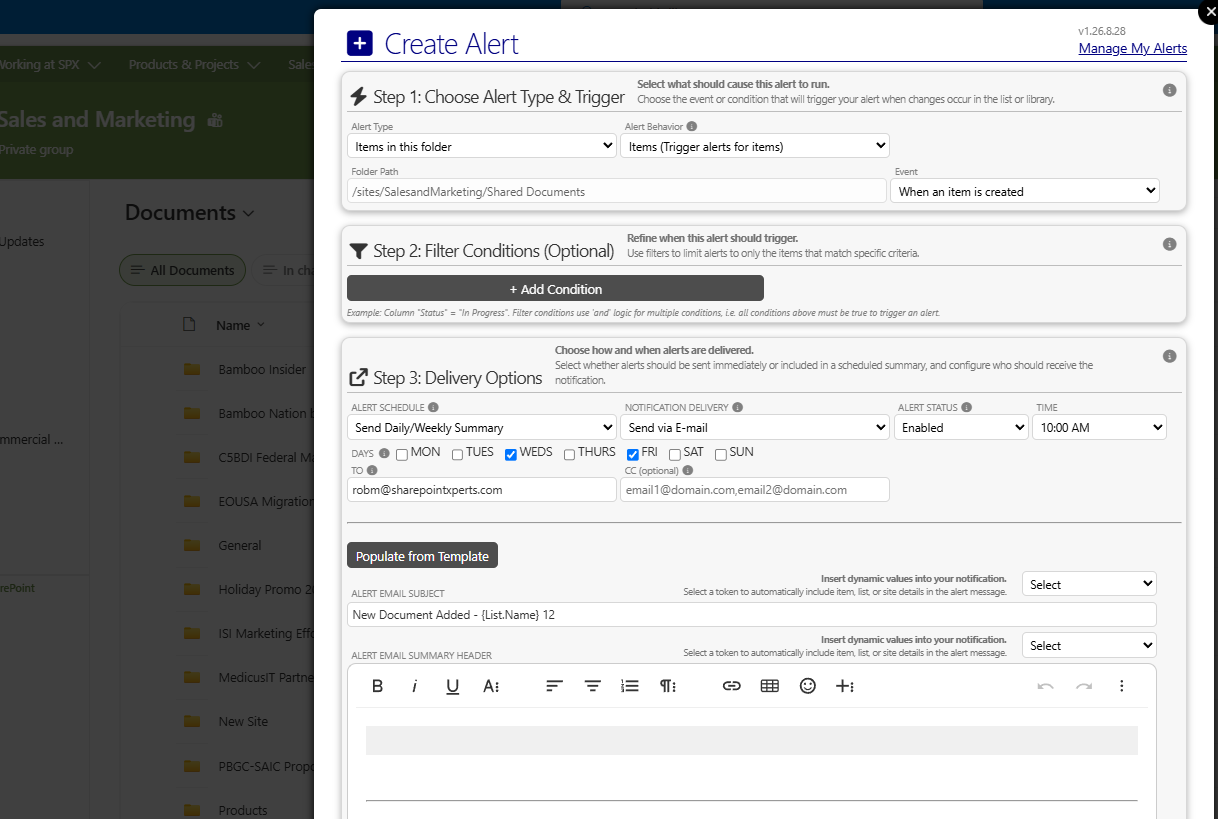
Bamboo Solutions Alert Plus product overviewExplore Alert Plus ↗
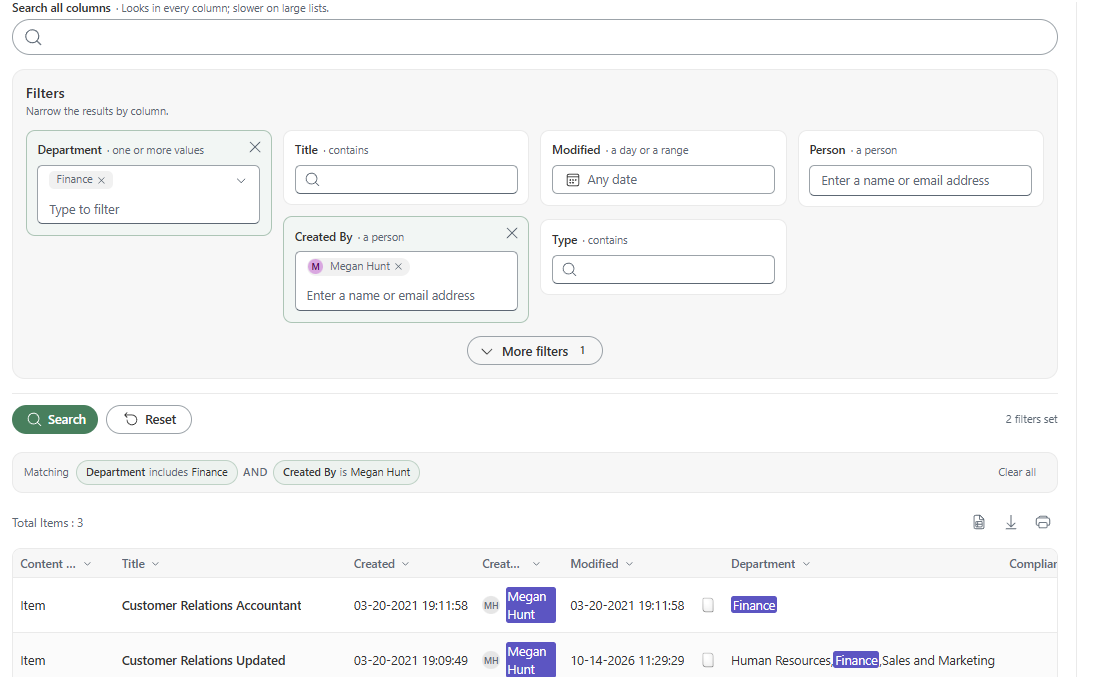
Bamboo Solutions Simple Search product overviewExplore Simple Search ↗
Bamboo Solutions Tabify product overviewExplore Tabify ↗
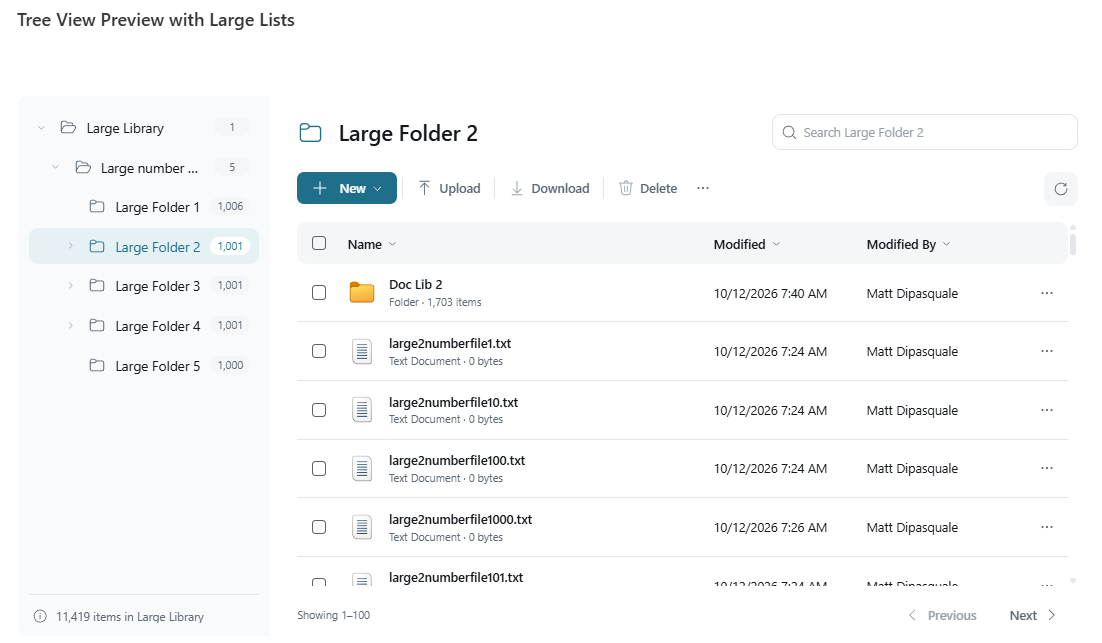
Bamboo Solutions Tree View product overviewExplore Tree View ↗
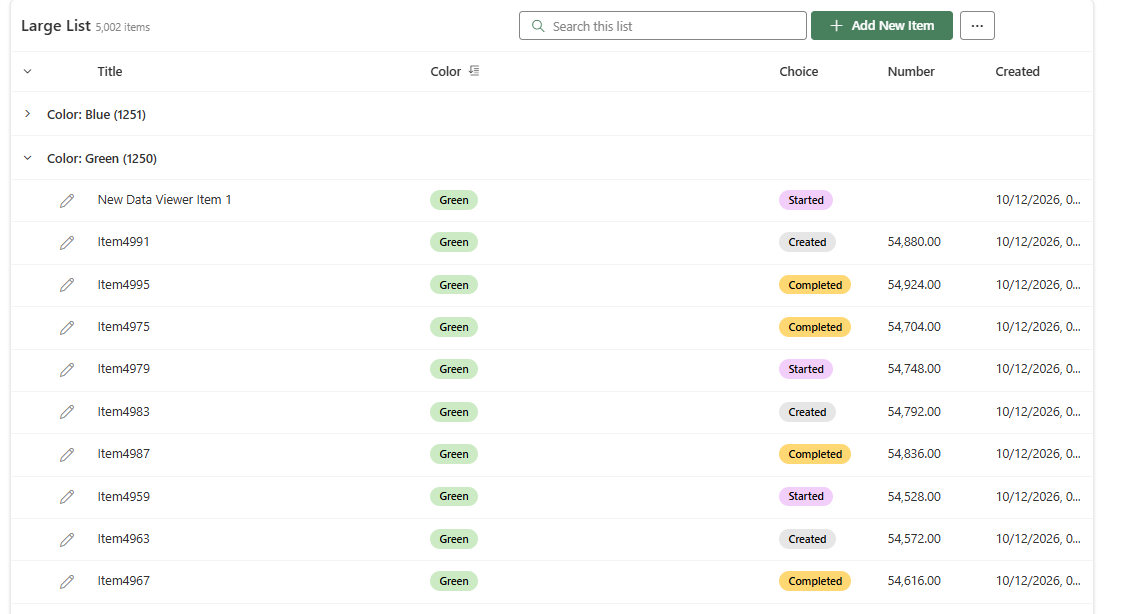
Bamboo Solutions Data Viewer product overviewExplore Data Viewer ↗