Bamboo Solutions
  • My Account
  • My Cart
  • Request Support
  • SharePoint Online Product Documentation
  • SharePoint On Premises Product Documentation
Select Page
Community Central User’s Guide, Part 1: How to Create a Custom Web Part to Display Scoring Statistics

Community Central User’s Guide, Part 1: How to Create a Custom Web Part to Display Scoring Statistics

by Chau T. Kim Huynh | Jul 16, 2013 | Products, The Bamboo Team Blog

This post will show two different methods: creating a New View for the Web Part properties or making modifications using SharePoint Designer.

How to Use the Timeline Web Part in SharePoint 2013, Part 3: Hide the Timeline Web Part on a Task List

How to Use the Timeline Web Part in SharePoint 2013, Part 3: Hide the Timeline Web Part on a Task List

by Tuan Huynh | Jul 15, 2013 | Products, SharePoint 2013, SharePoint Solutions

In this article, part three of a three-part series on the Timeline Web Part, we’ll show you how to hide the Timeline Web Part on a Task list.

Announcing the Release of List Bulk Export for SharePoint 2013

Announcing the Release of List Bulk Export for SharePoint 2013

by Bamboo PM Girl | Jul 11, 2013 | Products, SharePoint 2013, The Bamboo Team Blog

We are excited to let you know that you may now export multiple files from SharePoint 2013 with List Bulk Export for SharePoint 2013.

This Week in Bamboo (June 30th, 2013 – July 6th, 2013)

This Week in Bamboo (June 30th, 2013 – July 6th, 2013)

by Myuyen Phan | Jul 10, 2013 | Product Updates, Products, The Bamboo Team Blog

This week in Bamboo, we released more SharePoint 2013 products to our storefront and released new patches. Learn more in this article!

How to “Bulk” Copy Resources from the Enterprise Resource Pool to the Project Site Using the Copy Resource Web Part in PM Central

How to “Bulk” Copy Resources from the Enterprise Resource Pool to the Project Site Using the Copy Resource Web Part in PM Central

by Thanh Ngoc Ho | Jul 10, 2013 | Products, SharePoint Solutions, The Bamboo Team Blog

One of the great benefits of the latest release of PM Central is to “bulk” copy resources from the ERP let us show you how.

How to Use the Timeline Web Part in SharePoint 2013, Part 2: Creating SubTask Items & Formatting the Timeline Display

How to Use the Timeline Web Part in SharePoint 2013, Part 2: Creating SubTask Items & Formatting the Timeline Display

by Tuan Huynh | Jul 10, 2013 | Products, SharePoint 2013, SharePoint Solutions

In this article, part 2 of a three-part series on the Timeline Web Part, we’ll show you how to create a SubTask, add SubTask to your Timeline
« Older Entries
Next Entries »

Blog Categories

  • AI Agents (3)
  • Alert Plus (8)
  • Cyber Security (7)
  • data migration services (11)
  • Emoji (2)
  • Employee Spotlight (33)
  • Events (158)
  • In the News (64)
  • Microsoft (61)
  • Microsoft AppSource Product Update (3)
  • Microsoft SharePoint Bloggers (27)
  • Midshare (1)
  • Office 365 (60)
  • Pentalogic (1)
  • PowerApps (12)
  • Press Release (73)
  • Product Updates (141)
  • Products (334)
  • SharePoint 2010 (173)
  • SharePoint 2013 (257)
  • SharePoint Blank (47)
  • SharePoint Experts (207)
  • SharePoint for Administrators (32)
  • SharePoint for Project Management (20)
  • SharePoint Solutions (255)
  • SharePoint Term Store (3)
  • SharePointXperts (195)
  • SPFx (3)
  • The Bamboo Team Blog (1,393)
  • The Bottom-Line PM: A Realists's Guide to SharePoint and Microsoft Project (25)
  • The Business of SharePoint (25)
  • Year-End Review (4)
Bamboo Solutions and its related brands is the copyright of SharePointXperts, LLC. ©2002–2026 | Privacy Policy | Terms of Use | Sitemap
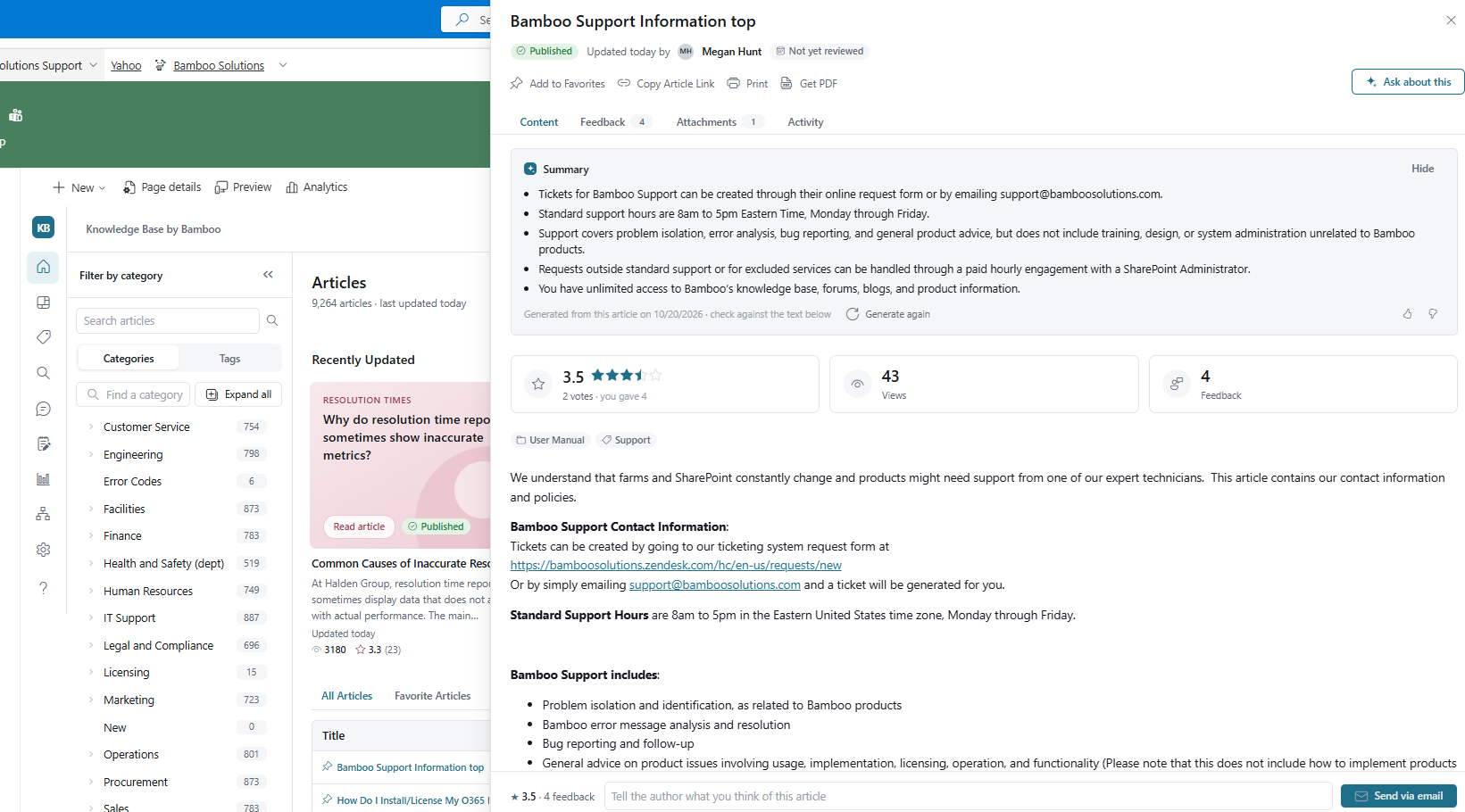
Bamboo Solutions Knowledge Base product overview

Explore Knowledge Base ↗

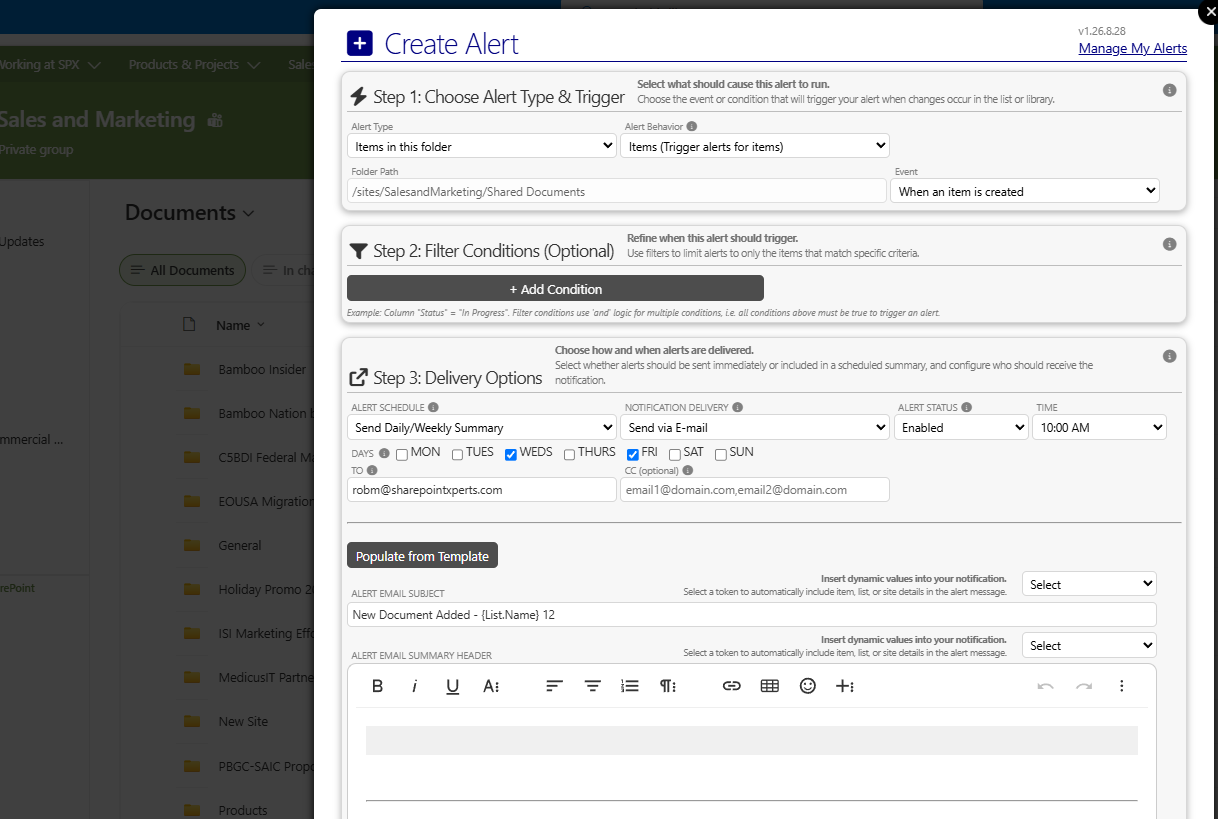
Bamboo Solutions Alert Plus product overviewExplore Alert Plus ↗
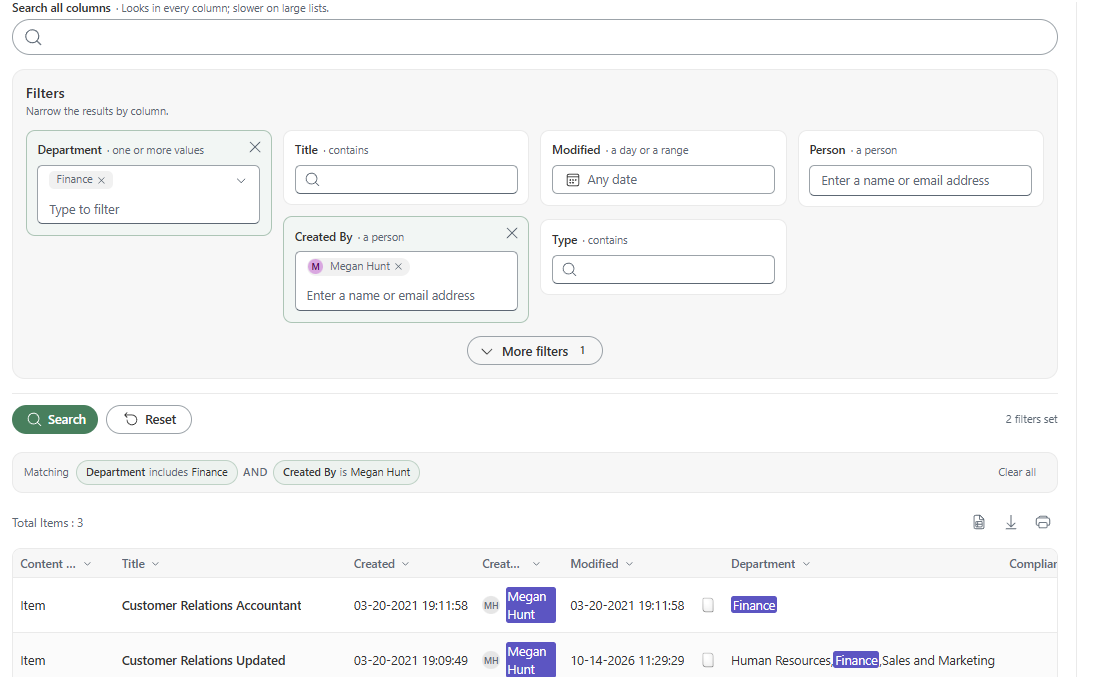
Bamboo Solutions Simple Search product overviewExplore Simple Search ↗
Bamboo Solutions Tabify product overviewExplore Tabify ↗
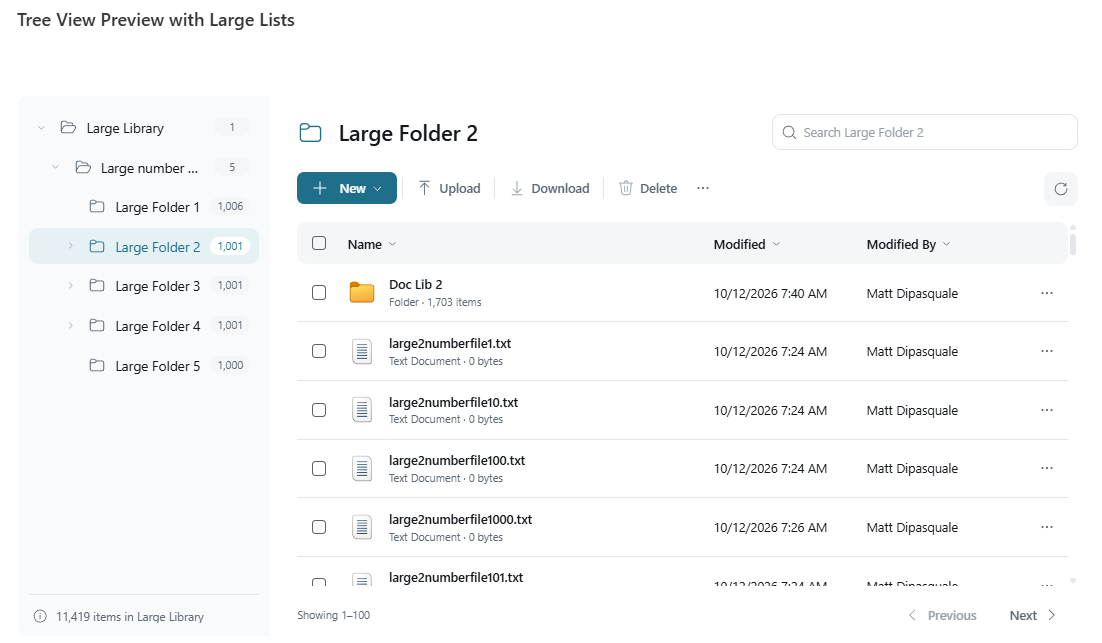
Bamboo Solutions Tree View product overviewExplore Tree View ↗
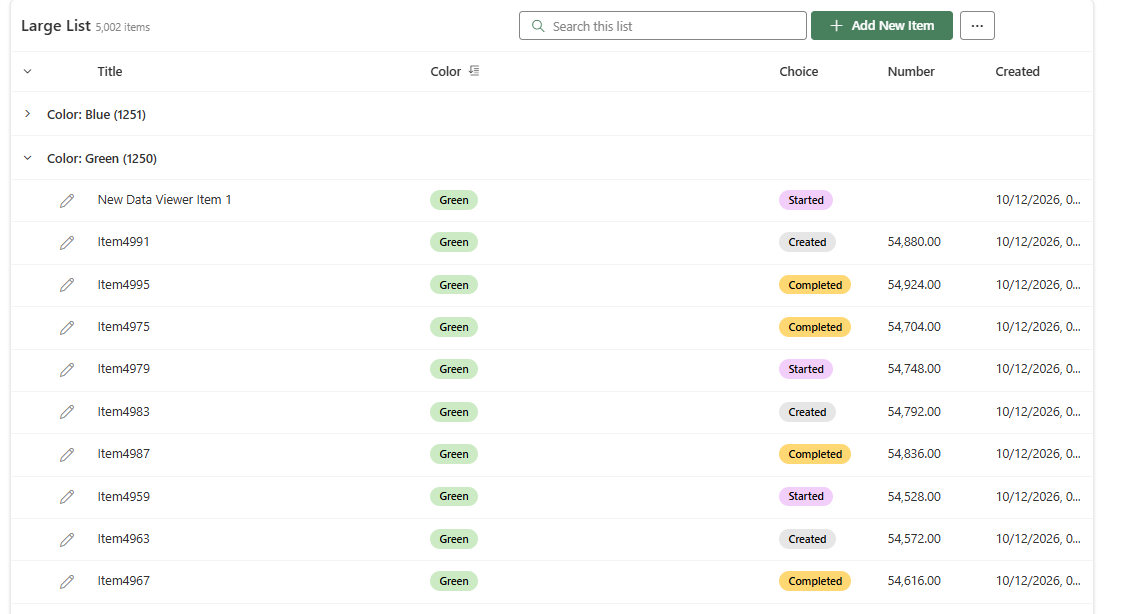
Bamboo Solutions Data Viewer product overviewExplore Data Viewer ↗